Mac Mini OpenClaw Memory: 8GB, Swap & Unified RAM (2026)
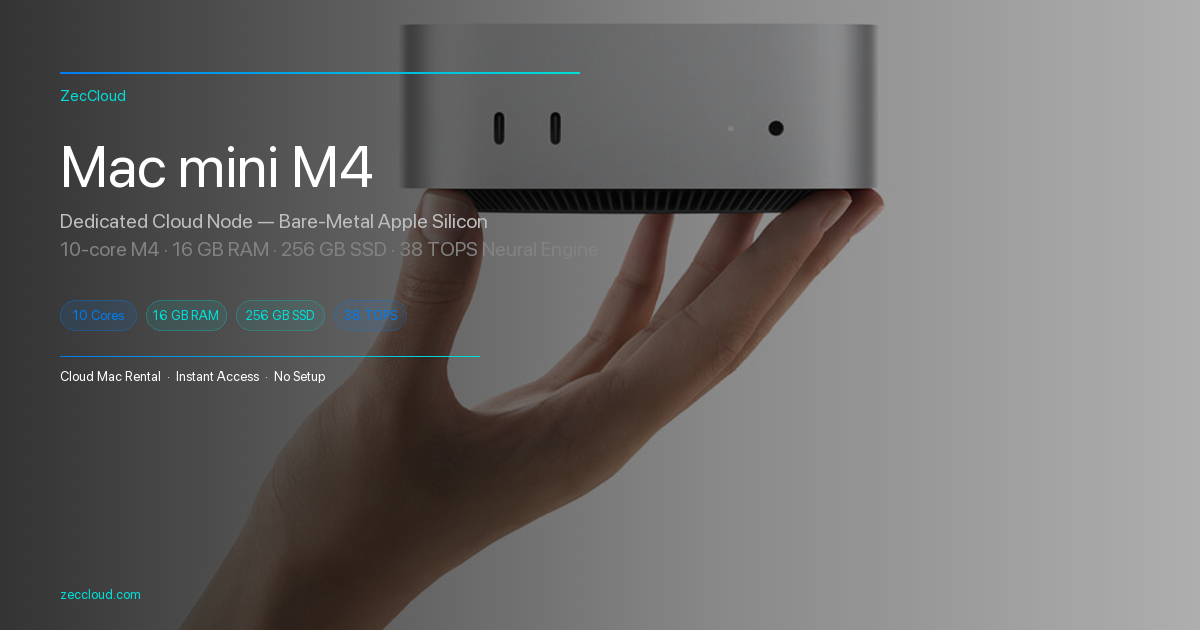
A base Mac mini with 8 GB or 16 GB unified memory is a popular home lab for 24/7 OpenClaw gateways — family WhatsApp bots, cron alerts, or a solo founder’s always-on assistant. Linux tutorials rarely mention macOS memory compression, swap on APFS, or Apple Silicon unified memory where the Gateway (Node.js) and Ollama / MLX local models fight over the same pool.
Most “OpenClaw won’t start” threads are not CPU limits — they are RAM budgeting problems: the Gateway baseline alone can reach ~400–700+ MB RSS on a cold start after recent releases (see OpenClaw gateway RSS discussion), before you load plugins, sessions, or a 7B local model.
This guide is for Apple ecosystem builders — not datacenter Xeon racks. You will learn how to measure, cap, and schedule memory on M1/M2/M3/M4 Mac mini hosts, with links to our OpenClaw multi-agent routing guide (why extra agents cost RAM), DeepSeek-R1 / local quantization, and remote SSH ops. Hardware trends: Computex 2026 agent infrastructure.
Introduction
This article covers unified memory budgeting, RAM tier choices, an eight-step macOS runbook, Activity Monitor signals, troubleshooting, and six FAQs for always-on OpenClaw.
Unified memory: one pool, two hungry workloads
Apple documents unified memory at Apple Silicon overview — CPU, GPU, and Neural Engine access the same bytes without discrete VRAM.
| Consumer | Typical RAM footprint | Tunable on Mac mini? |
|---|---|---|
| macOS + WindowServer | 2–4 GB | Reduce GUI login items |
| OpenClaw Gateway (Node) | 0.4–1.5 GB+ RSS | Heap cap, fewer plugins |
| Per extra OpenClaw agent | +sessions, +workspace indexes | Fewer agentIds on 8 GB |
| Ollama 7B Q4 | ~4–5 GB model resident | Smaller quant / cloud API |
| Ollama 3B Q4 | ~2–3 GB | Preferred on 8 GB |
| Headroom for swap | Needs free SSD | 15–20 GB APFS free |
┌─────────────────────────────────────────┐
│     Apple Silicon unified memory         │
│  ┌─────────────┐    ┌─────────────────┐ │
│  │ OpenClaw    │    │ Ollama / MLX    │ │
│  │ Gateway     │◀──▶│ local LLM       │ │
│  │ (Node V8)   │    │ (model weights) │ │
│  └─────────────┘    └─────────────────┘ │
│           macOS compression + swap         │
└─────────────────────────────────────────┘
RAM tiers: what is realistic on 8 GB vs 16 GB
| Config | OpenClaw posture | Local LLM (ULM) | Multi-agent |
|---|---|---|---|
| 8 GB | 1 default agent, minimal plugins | 3B–7B Q4 only, or API-only | Avoid — use bindings later on 16 GB |
| 16 GB | 1–2 agents, modest cron | 7B Q4 + Gateway comfortable | Possible with monitoring |
| 24 GB+ | 2–3 agents, memory search | 7B–13B quants, MLX experiments | Matches homelab “studio” setups |
| 32 GB+ | Heavy cron + channels | Multiple models if serialized | Same as 24 GB with margin |
- If RAM is 8 GB → run Gateway 24/7, push inference to cloud API or one small Ollama model — not both heavy.
- If RAM is 16 GB → 7B Q4 + single Gateway is the sweet spot for Apple Silicon homelab.
- If you need 3+ isolated agents → upgrade RAM or split Gateway and Ollama across two Mac minis (SSH to second box).
Step-by-step runbook (macOS)
Step 1 — Baseline memory pressure
Open Activity Monitor → Memory. Note Memory Pressure (green/yellow/red) and Swap Used.
vm_stat | head -12
sysctl vm.swapusage
memory_pressure 2>/dev/null || true
Yellow/red pressure means macOS is already compressing or swapping — fix before adding OpenClaw.
Step 2 — Measure OpenClaw Gateway RSS
ps aux | grep -i '[o]penclaw' | awk '{print $2,$4,$6/1024"MB",$11}'Community baselines: ~350 MB on older builds, 700 MB+ on some 2026.4.x cold starts. If RSS climbs daily, schedule a weekly restart until you trim plugins.
Step 3 — Cap Node.js heap (wrapper)
Direct NODE_OPTIONS in LaunchAgent plists may be stripped on regen. Use the wrapper from OpenClaw gateway install docs:
cat > ~/bin/openclaw-memwrap.sh << 'EOF'
#!/bin/bash
export NODE_OPTIONS="--max-old-space-size=2048"
exec /opt/homebrew/bin/openclaw "$@"
EOF
chmod +x ~/bin/openclaw-memwrap.sh

OPENCLAW_WRAPPER="$HOME/bin/openclaw-memwrap.sh" openclaw gateway install --force
openclaw doctor
On 8 GB use 1536–2048 MB heap cap; on 16 GB try 3072–4096 MB. Track OOMs in ~/Library/Logs/ or Console.app.
Step 4 — Run lean OpenClaw config
Edit ~/.openclaw/openclaw.json:
- One
agents.listentry until RAM upgrade - Disable unused channels and cron jobs
- Postpone memory search / dreaming plugins on 8 GB (memory config)
- Keep agent-to-agent off unless required (multi-agent docs)
openclaw gateway restartStep 5 — Size Ollama / local models to unified memory
ollama pull llama3.2:3b-instruct-q4_K_M
ollama ps
Point OpenClaw model config to API or local endpoint per OpenClaw docs. Do not load 13B+ on 8 GB while Gateway stays resident — macOS will swap and Telegram webhooks will lag. See DeepSeek-R1 local quantization.
Step 6 — Swap and SSD hygiene (compression-friendly)
- Keep ≥ 20 GB free on the boot volume (swap lives on APFS)
- Prefer wired Ethernet for headless mini — Wi‑Fi debug menus steal RAM on GUI sessions
- Avoid Time Machine snapshots filling disk during agent peaks
- On mainland homelab links, stabilize egress so retries do not multiply Gateway buffers (unstable export bandwidth amplifies memory spikes)
while sleep 60; do date; sysctl vm.swapusage; doneStep 7 — Limit concurrent work (Node is not a thread pool)
| Knob | Action |
|---|---|
| Agents | openclaw agents list — stay at 1 on 8 GB |
| Cron | Stagger jobs — avoid 10 jobs at :00 |
| Channels | One WhatsApp account until stable |
| Local tools | Deny heavy browser tools on gateway host |
| Ollama | OLLAMA_NUM_PARALLEL=1 in launch environment |
launchctl setenv OLLAMA_NUM_PARALLEL 1Step 8 — Headless 24/7 operations
- System Settings → Energy → prevent sleep on power adapter
- Use SSH for admin, not always-on VNC (SSH guide)
openclaw gateway stop --disablebefore major macOS upgrades, re-enable after
Activity Monitor cheat sheet
| Column / gauge | What to watch |
|---|---|
| Memory Pressure | Green = healthy; yellow/red = add RAM or reduce model |
| Swap Used | Sustained growth = thrashing — shrink heap or model |
| OpenClaw / node | RSS trend over 24 h |
| ollama | Spikes when model loads — expect 2–5 GB for 7B |
Troubleshooting
JavaScript heap out of memory
Pattern: Gateway exits with FATAL ERROR: Reached heap limit. Fix: Lower concurrent cron; apply wrapper --max-old-space-size; upgrade to 16 GB; move Ollama to second machine.
Telegram/WhatsApp replies lag but CPU low
Pattern: vm.swapusage increasing, Memory Pressure yellow. Fix: Stop Ollama when using cloud models; use 3B quant; reduce Gateway plugins; reboot mini weekly.
Ollama loads then Gateway killed
Pattern: macOS memory compression maxed, processes jetsam. Fix: Serialize workloads — Gateway API-only during day, batch local inference at night; never run 7B + 3 agents on 8 GB.
Gateway RSS grows without traffic
Pattern: Known regression class on some versions — plugin scan at startup. Fix: Pin stable OpenClaw version; monitor RSS issue tracker; restart Gateway on cron.
FAQ
systemd cgroups and vm.swappiness. macOS uses compression + APFS swap — you tune via Activity Monitor, heap caps, and fewer agents.Conclusion
Mac Mini OpenClaw memory optimization is unified-memory budgeting: cap the Node Gateway, right-size local LLMs, keep swap-visible SSD headroom, and resist multi-agent sprawl on 8 GB. 16 GB is the practical floor for 7B Q4 + 24/7 Gateway; 8 GB remains viable for API-driven agents with a tight config.
Measure with vm_stat and Activity Monitor, install Gateway with a memory wrapper, and align software depth with our OpenClaw routing and quantization guides.
Official: OpenClaw Gateway CLI · GitHub openclaw/openclaw.
Related reading: 2026 AI Coding Compute Guide: Cursor vs Copilot vs Claude Code
OpenClaw Gateway on Mac mini
Install and cap Node heap with the official Gateway CLI. Star the repo for release notes and RSS fixes.