Mac mini M4 SSH vs VNC: Remote Access Guide (2026)
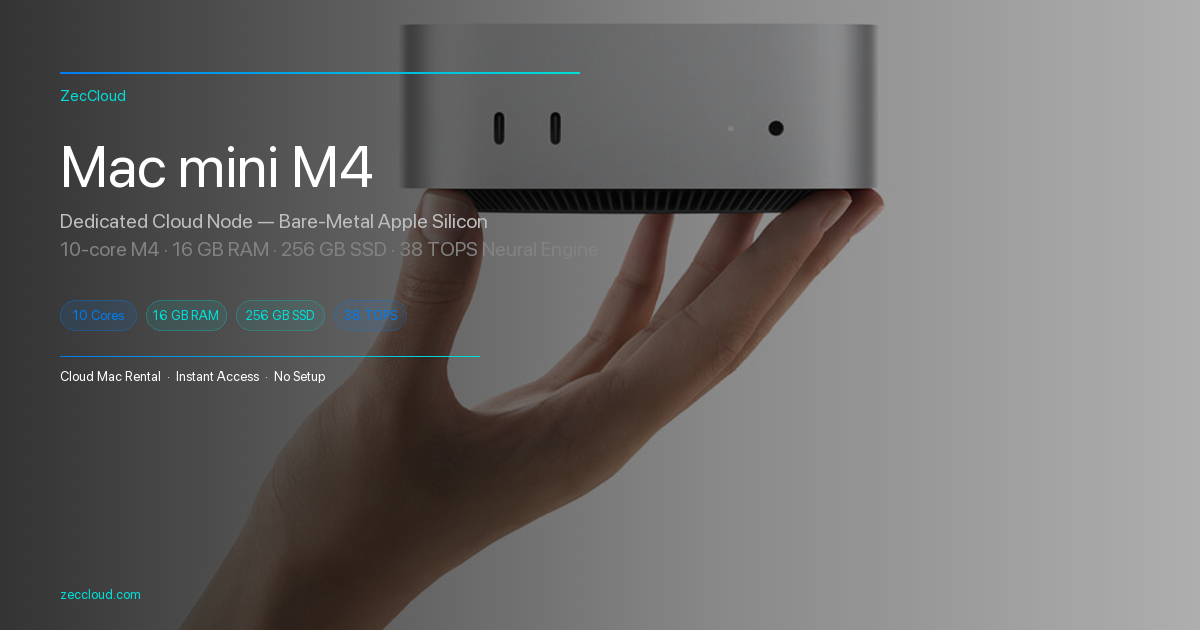
If you operate a Mac mini M4 headlessly — whether you own the hardware or rent Apple Silicon from a cloud provider — you have two practical remote interfaces: SSH (terminal) and VNC (graphical desktop). They are not interchangeable. Picking the wrong one wastes bandwidth, slows builds, or leaves you without a GUI when you need Xcode's interface.
Direct answer: Use SSH for daily development, CI/CD, file transfer, and xcodebuild. Use VNC when you must see the macOS desktop — System Settings, Simulator UI, or apps without CLI flags. On ZecCloud, both are included; SSH is the default workflow.
What SSH Gives You on Mac mini M4
SSH (Secure Shell) on macOS is enabled via Remote Login in System Settings → General → Sharing. It exposes a text-based session over port 22 (or a custom port on cloud hosts).
| Capability | SSH |
|---|---|
| Protocol | Encrypted terminal (OpenSSH) |
| Typical bandwidth | 10–50 KB/s idle; spikes during scp/rsync |
| Best for | CLI, git, xcodebuild, Fastlane, VS Code Remote-SSH |
| Multi-session | Yes — unlimited concurrent shells |
| Headless Xcode builds | Yes — xcodebuild runs without a display |
For a step-by-step SSH setup on owned or rented Mac mini hardware, see our Mac mini M4 SSH remote access guide.
What VNC Gives You on Mac mini M4
VNC (Virtual Network Computing) mirrors the macOS desktop framebuffer. Apple's built-in Screen Sharing uses a VNC-compatible protocol; ZecCloud provides browser-based noVNC — no client install, clipboard sync included.
| Capability | VNC |
|---|---|
| Protocol | RFB / Screen Sharing (graphical) |
| Typical bandwidth | 1–10 MB/s at 1920×1080, higher at Retina |
| Best for | GUI apps, Simulator interaction, System Settings |
| Latency feel | 50–200 ms+ depending on distance to node |
| Headless Xcode builds | Possible but wasteful — full desktop encode |
Apple documents Screen Sharing setup in the macOS User Guide — Share the screen of your Mac.
SSH vs VNC: Side-by-Side Comparison
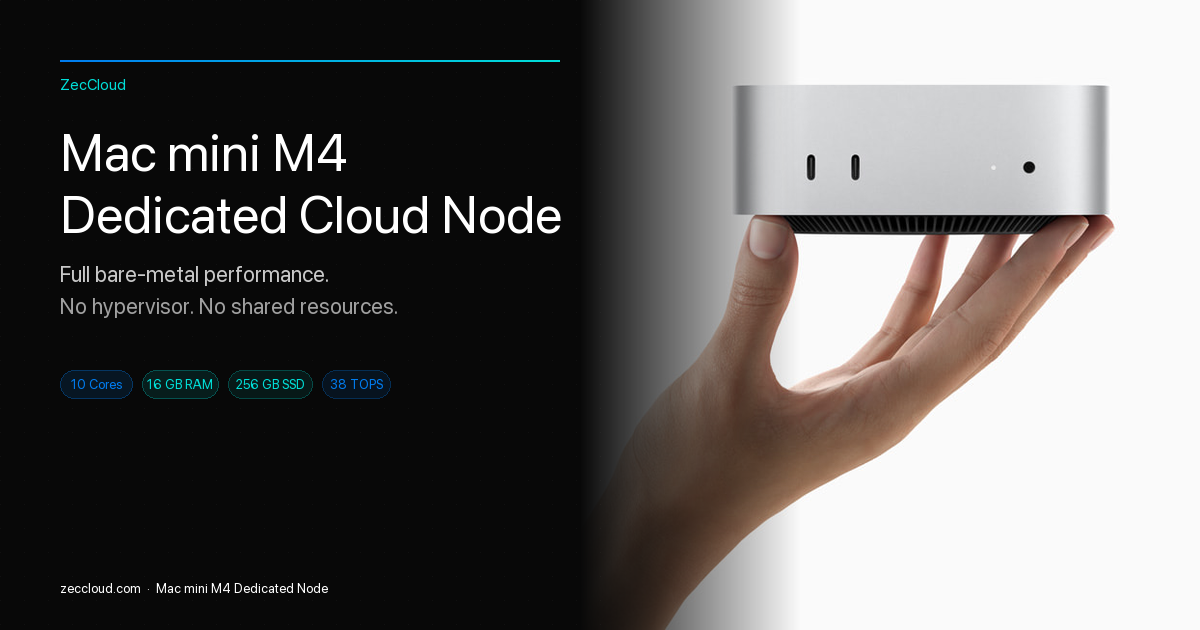
| Dimension | SSH | VNC |
|---|---|---|
| Bandwidth | Low (~10–50 KB/s typical) | High (1–10+ MB/s) |
| Security model | Key-based auth, no desktop surface | Desktop visible; protect with strong password + tunnel |
| Developer daily driver | Primary | Occasional |
| Xcode CLI builds | Native | Unnecessary overhead |
| Xcode Simulator UI | Use xcrun simctl or VNC | Full GUI access |
| File editing in VS Code | Remote-SSH extension | Possible but heavier |
| Works on mobile/tablet | Termius, Blink — usable | Browser VNC — usable but cramped |
| ZecCloud access | Dashboard SSH credentials | One-click browser VNC button |
When to Use SSH (Not VNC)
Choose SSH when your workflow is:
- Terminal-first development — Node, Python, Rust, Go, shell scripts on macOS
- CI/CD and automation — GitHub Actions self-hosted runners, Fastlane lanes, cron
- Headless iOS builds —
xcodebuild -scheme MyApp -destination 'generic/platform=iOS' archive - Remote editing — VS Code Remote-SSH or JetBrains Gateway
- Low-bandwidth regions — developers connecting to HK/JP/SG nodes benefit from SSH's minimal payload
Security note: Disable password authentication on internet-facing Mac mini hosts; use ed25519 keys only. ZecCloud assigns a non-default SSH port per machine.
When to Use VNC (Not SSH Alone)
Choose VNC when you need visual macOS interaction:
- First-time macOS setup — enabling Remote Login, installing Xcode from App Store GUI
- Simulator with on-screen debugging — dragging UI elements, watching animations
- Apps without CLI — proprietary tools that require clicking through installers
- Demonstrations — screen-share style walkthroughs for teammates
- Troubleshooting SSH — when keys fail, VNC lets you fix Sharing settings visually
ZecCloud's console opens VNC in the browser via the VNC button — no separate client. For owned hardware, use Screen Sharing (vnc://) or the ZecCloud VNC help page.
Using Both on ZecCloud Cloud Mac mini M4
ZecCloud cloud Mac mini M4 plans include SSH and browser VNC on every node (HK, JP, KR, SG, US-East). Typical workflow:
- SSH in for 95% of dev work — clone repos, run builds, edit in VS Code Remote
- Open VNC when Xcode App Store updates, Simulator UI tests, or macOS dialogs appear
- Never expose VNC publicly without a tunnel on self-hosted machines; ZecCloud VNC is proxied through the platform
Plans start at $100.7/month — see pricing. Wondering whether to own hardware or rent? Read the Mac mini M4 buy vs rent cost guide.
Decision Matrix: Pick SSH, VNC, or Both
| Your scenario | Recommendation |
|---|---|
| Daily coding + git + package managers | SSH only |
xcodebuild archive / IPA export | SSH only |
| UI tests in Simulator with visual inspection | SSH + VNC |
| First boot / macOS setup on new machine | VNC first, then SSH |
| Teaching or pair-programming with GUI | VNC |
| 24/7 CI runner, no GUI | SSH only |
| Limited bandwidth to overseas node | SSH primary, VNC on demand |
FAQ
Is SSH faster than VNC for Mac mini M4 development?
Can I run Xcode builds over SSH without VNC?
xcodebuild runs headless. For Simulator UI tests, use xcrun simctl over SSH or attach VNC for visual debugging.Does ZecCloud support both SSH and VNC?
Should I use Screen Sharing or ZecCloud VNC on a rented Mac?
Is VNC secure for production Mac mini servers?
SSH is the default remote interface for Mac mini M4 developers. VNC is the GUI fallback — essential for setup and visual tasks, but too heavy for everyday coding. On ZecCloud, use both: SSH for speed, VNC when the desktop is non-negotiable.
Mac mini M4 with SSH + Browser VNC — Ready in Minutes
ZecCloud cloud Mac mini M4 nodes include SSH credentials and one-click browser VNC from $100.7/month. No hardware to manage, no port forwarding. Nodes in HK, JP, KR, SG, and US-East.